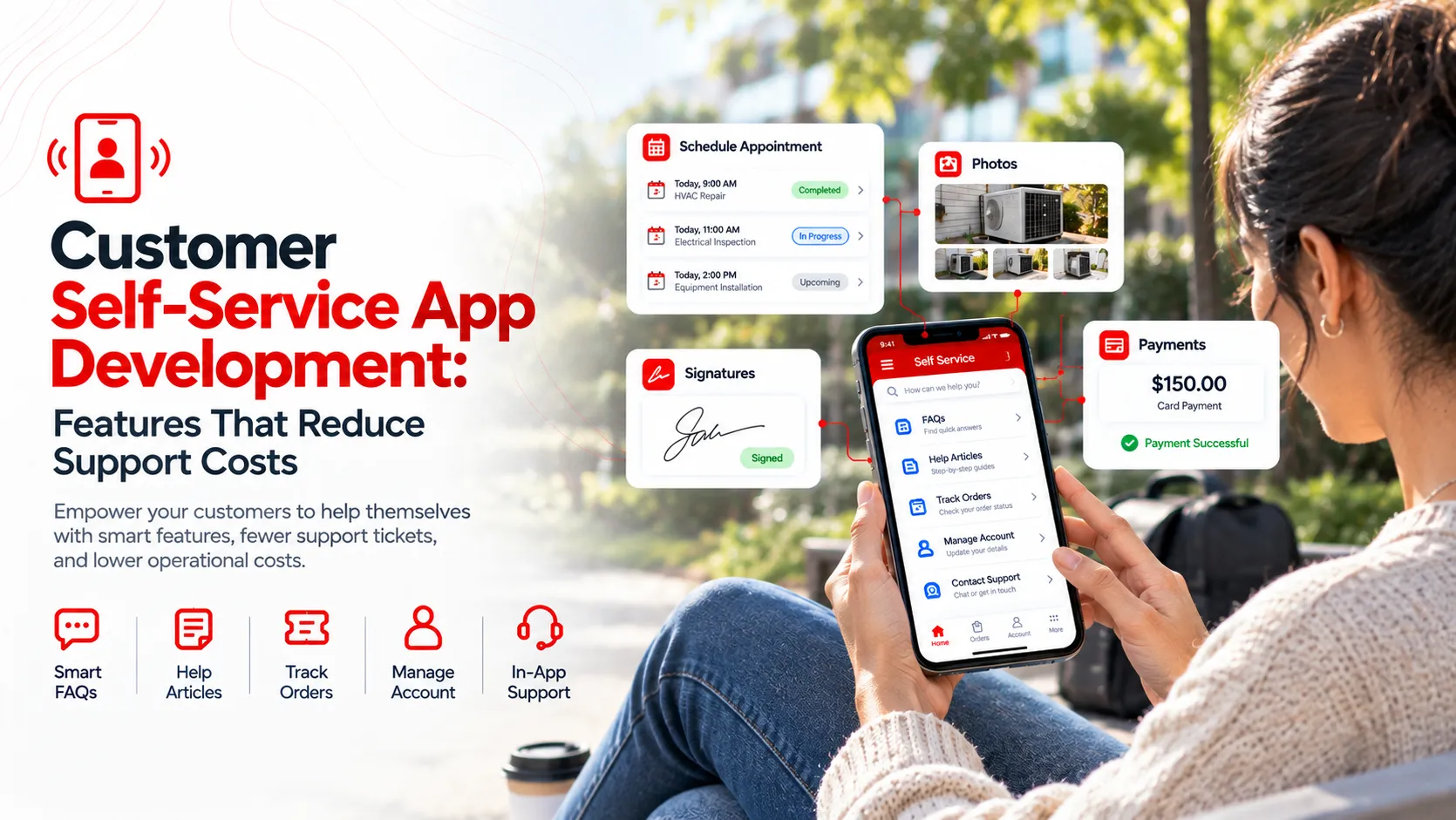
In an era where customer expectations are soaring, self-service apps have become crucial for businesses aiming to enhance customer satisfaction while cutting support costs. These apps empower users to independently solve issues, access information, and manage accounts, transforming the support landscape.
Organizations that invest in effective self-service applications often see reduced operational costs and increased customer loyalty. By providing an intuitive, seamless experience, businesses can free up resources and focus on strategic initiatives. Let's delve into the components and strategies that make self-service apps a vital part of customer support.

Why Self-Service Apps Matter

Self-service apps provide a significant advantage by allowing customers to access support without human intervention. This not only speeds up problem resolution but also empowers users, resulting in higher satisfaction rates. A well-designed app can meet the diverse needs of users, offering a personalized experience that retains customers.
Additionally, self-service apps enable businesses to manage a larger volume of customer queries with fewer resources. By diverting routine tasks away from support staff, companies can focus on more complex issues that require expert assistance. This shift contributes to both cost savings and an improved customer service experience.
Core Features of Effective Self-Service Apps
A successful self-service app is built on features that prioritize user experience. Key functionalities include intuitive navigation, searchable knowledge databases, and user-friendly interfaces. These elements ensure that customers can find solutions quickly without frustration.
Integration with chatbots and AI-driven tools can further enhance these apps, offering personalized assistance and guidance. Real-time updates and notifications keep users informed and engaged, while analytics provide insights into user behavior and app effectiveness.
- User Authentication: Secure login processes
- Knowledge Base: Centralized resource library
- Chatbot Integration: Immediate, AI-driven support
- Analytics: Insights into usage patterns
Integration with CRM Systems
Integrating self-service apps with CRM systems provides a seamless user experience by centralizing customer information and making it easily accessible. This integration enables personalized interactions and ensures that support teams have all necessary data, improving service efficiency.
When self-service apps work in harmony with CRM platforms, businesses benefit from streamlined workflows and enhanced customer profiling. Real-time data exchange between these systems allows for more coherent service delivery and can lead to higher customer satisfaction.
- Unified Data: Centralized customer information
- Enhanced Profiling: Better customer insights
- Improved Workflow: Streamlined processes
Choosing the Right Technology Stack
Selecting the right technology stack is crucial for developing an effective self-service app. React Native and Flutter are popular choices for cross-platform app development, enabling a single codebase for iOS and Android. This cross-platform capability reduces development time and cost while maintaining a high-quality user experience.
In addition to these frameworks, considering backend technologies like AWS for hosting and Stripe for payments is essential. These tools offer robust infrastructure and functionalities, ensuring reliability and scalability as your app grows.
| Aspect | React Native | Flutter | AWS |
|---|---|---|---|
| Language | JavaScript | Dart | Various |
| Portability | High | High | High |
| Community Support | Strong | Growing | Strong |
| Cost | Moderate | Moderate | Variable |
Customization vs Off-the-Shelf Solutions

Deciding between a customized solution and an off-the-shelf product involves balancing flexibility with time and cost. Custom-built apps offer tailored features and branding, aligning closely with specific business needs. However, they often require larger budgets and longer development timelines.
Off-the-shelf solutions, on the other hand, provide quicker deployment at a lower cost but may lack the adaptability to fit unique requirements. Evaluating your organization’s goals and resources is essential to determine which option offers the best return on investment.
Impact of AI and Automation
AI and automation play increasingly pivotal roles in self-service apps by enhancing user interactions and reducing costs. Automated systems, such as chatbots and virtual assistants, provide immediate responses and support that can handle routine queries efficiently.
Implementation of AI tools not only streamlines operations but also enriches the user experience by offering personalized guidance. Predictive analytics and machine learning algorithms can anticipate user needs and provide proactive support, minimizing the demand on human resources.
- Chatbots: Automated customer interactions
- Predictive Analytics: Anticipating user needs
- Virtual Assistants: Guided support experiences
Security Considerations
Security is a critical aspect of developing a self-service app, as it safeguards user data and builds trust. Implementing robust authentication methods like multi-factor authentication (MFA) protects sensitive information from unauthorized access.
Encryption protocols, such as SSL/TLS, ensure data integrity during transmission. Regular security audits and compliance with industry standards, such as GDPR or HIPAA, are essential practices that help prevent data breaches and ensure user confidentiality.
- Multi-Factor Authentication: Enhances login security
- Encryption Protocols: Ensures data protection
- Compliance Standards: GDPR, HIPAA adherence
Maintenance and Scalability
Maintenance and scalability directly impact an app's long-term success. As user numbers grow, the app must adapt without a hitch. Regular updates are crucial to keep features relevant and fix any bugs.
Selecting a scalable architecture early saves costs later. AWS and Google Cloud offer flexible solutions that grow with your needs. This means fewer headaches during expansion phases, allowing developers to focus on enhancements rather than infrastructure issues.
- Regular Updates: essential for fixing bugs and adding features
- Cloud Solutions: AWS and Google Cloud provide flexible scaling
- Scalable Architecture: ensures easy growth and adaptation
Ignoring scalability can lead to increased costs and performance bottlenecks. Choosing the right tools up frontthe cloud solutions and architecture mentionedcan prevent these pitfalls.
User Experience Best Practices
A seamless user experience (UX) is crucial for customer satisfaction. Consistency in design and navigation makes it easier for users to find what they need, reducing the chances of support requests.
Tools like Figma are instrumental in prototyping and testing designs before launch. Prioritizing accessibility ensures that your app meets diverse user needs, fostering a positive brand image.
Case Study: Successful App Deployments
Learning from successful deployments can provide valuable insights. Consider XYZ Corp, which used cross-platform development to reduce costs and streamline updates, resulting in a 30% reduction in support inquiries.
Market Cost Expectations
Understanding cost expectations is crucial for budgeting. Self-service app development can range from $50,000 to $250,000 depending on features and complexity.
A basic MVP might start at $50,000, while an enterprise app with extensive integrations can soar to $250,000. It's essential to align features with business goals to optimize spend.
| App Type | Cost Range |
|---|---|
| Basic MVP | $50,000 - $100,000 |
| Mid-Level Feature Set | $100,000 - $150,000 |
| Enterprise Solution | $150,000 - $250,000 |
Evaluating App Development Partners
Choosing the right development partner is pivotal. Consider their expertise in relevant technologies, previous client success cases, and their approach to problem-solving.
Look for partners who communicate effectively and understand your business objectives. This ensures a smoother development process and reduces potential misunderstandings.
- Technical Expertise: Evaluate their knowledge in core technologies
- Portfolio: Review past projects and outcomes
- Communication: Effective collaboration and updates
Brandrums Approach
At Brandrums, we emphasize cost reduction through strategic app development. Our Cross Platform App Development service focuses on using a single codebase, saving time and resources while ensuring feature parity across platforms.
We collaborate closely with clients to align app features with business goals. Our App Design and Development service provides a comprehensive package, from ideation to launch, ensuring each project is delivered with precision.
Cross Platform Focus: One codebase for both platforms
Comprehensive Service: From ideation to launch
Client Collaboration: Aligning features with business goals
What to Do Next
Starting your self-service app journey begins with a clear strategy. Define your business goals and customer needs to guide the development process.
Evaluate potential development partners based on their expertise and approach. Budget appropriately for the features and scale you envision. Effective planning ensures a successful deployment and customer satisfaction.
- Define business goals and customer needs.
- Choose a development partner with relevant expertise.
- Set a budget with feature priorities in mind.
- Plan for regular updates and scalability.
Frequently Asked Questions
How do self-service apps cut support costs?
Self-service apps reduce support costs by enabling customers to solve their own issues without contacting support staff. Features like knowledge bases and chatbots minimize human intervention. This decreases ticket volume and allows support teams to focus on more complex issues. Implementing such features can significantly lower operational costs.
Should I go for custom development or an off-the-shelf solution?
Custom development allows more tailored features, aligning closely with business needs, but it’s more expensive and time-consuming. Off-the-shelf solutions are quicker to deploy and cost-effective but may lack specific functionalities. If your needs are unique and budget allows, custom could be more beneficial.
What technology stack is best for self-service app development?
Choosing the right technology stack depends on your goals and existing infrastructure. For web-based apps, consider React or Angular paired with Node.js. For mobile, React Native or Flutter offer cross-platform efficiency. Assess your team’s expertise and project requirements to make the best choice.
How important is AI in a self-service app?
AI is crucial as it enhances user interactions through smart chatbots and predictive analytics. It personalizes experiences and solves problems faster. However, implementing AI can be costly and complex, so ensure it aligns with your objectives and budget before investing heavily.
What are the initial costs of developing a self-service app?
Initial development costs can range from $20,000 to $100,000 depending on complexity, features, and customization needs. Factors such as team size, location, and technology stack also play a significant role. It’s essential to budget realistically to avoid compromises later.
How do I choose a development partner for my self-service app?
Choose a partner with experience in similar projects and a clear understanding of your industry. Check their portfolio and client reviews. Good communication and transparency are key. Ensuring your partner aligns with your goals and can handle future scalability is crucial for long-term success.
Tags
About the Author

Daniel Brooks
Daniel covers web development, artificial intelligence, product design, and the technology decisions that help modern businesses grow.