
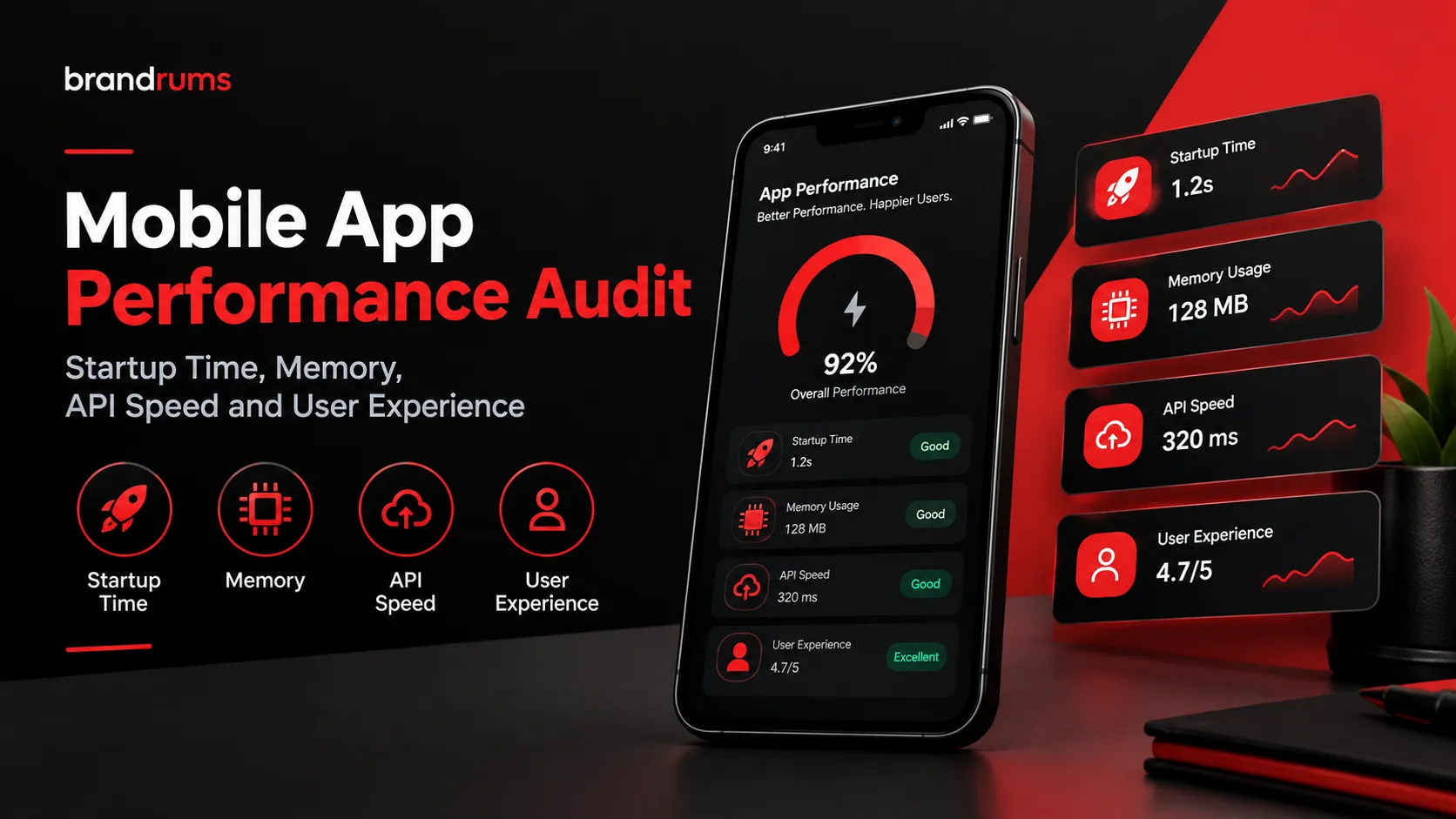
In a world where apps compete fiercely for users' attention, performance can be your secret weapon. Users expect smooth, fast, and reliable experiences, and a lack of these can drive them right into the arms of your competitors. A thorough mobile app performance audit helps identify potential issues, ensuring your app keeps users engaged and satisfied.
Performance isn't just about speed; it's a holistic measure that includes startup time, memory management, API speeds, and user experience. Each element plays a crucial role in how your app is perceived and used. A well-optimized app not only attracts new users but also builds loyalty among existing ones.

Why Mobile App Performance Matters

Mobile app performance is crucial for maintaining user engagement. Research shows that 70% of users will abandon an app if it takes too long to load. A slow or unresponsive app can lead to frustration, increasing the likelihood of users uninstalling it. This can severely impact an app's success in a competitive market.
Business outcomes are directly tied to performance. Apps with better performance often see higher ratings and reviews, which can lead to more downloads and increased revenue. Thus, a mobile app performance audit isn't just a technical necessity but a strategic business move to ensure long-term success.
Key Performance Metrics to Audit
Conducting a thorough audit requires understanding which performance metrics to focus on. Key metrics include startup time, memory usage, API response times, and overall user experience. Each metric offers insights into different aspects of app performance, providing a comprehensive view of potential issues.
Neglecting any of these metrics can lead to a skewed understanding of your app's efficiency. For example, good startup time doesn't necessarily mean low memory usage or fast API calls. A balanced approach ensures that all aspects of performance are accounted for and improved accordingly.
- Startup Time: The time it takes for the app to become usable.
- Memory Usage: The amount of RAM the app consumes during operation.
- API Speed: The time it takes for API calls to respond.
- User Experience: Overall usability and satisfaction level.
Measuring Startup Time
Startup time is crucial because it sets the first impression for users. An app that starts slow can quickly lose user interest. Tools like Firebase Performance Monitoring or Apple's Instruments can help in measuring startup times accurately. Monitoring should be continuous to prevent regressions over time.
Improving startup time involves several strategies like code optimization, reducing dependencies, and lazy loading features. By focusing on these areas, you can ensure a quicker startup, leading to a better user experience.
| Method | Benefit | Tool |
|---|---|---|
| Code Optimization | Faster load times | Firebase Performance |
| Reduce Dependencies | Less initial load | Webpack |
| Lazy Loading | Efficient resource use | React Native |
Optimizing Memory Usage
Excessive memory usage can lead to app crashes and slow performance, especially on older devices. Optimizing memory involves managing the lifecycle of objects and cutting down on unnecessary data processing. Using efficient data structures and background processes can also help.
Tools like Android Profiler and Xcode Instruments can be used to monitor real-time memory usage. Identifying memory leaks and optimizing images and resources can significantly reduce memory demands, enhancing app stability and performance.
Speeding Up API Calls

API speed directly affects how fast your app can respond to user interactions. Slow API calls can result in sluggish performance and a poor user experience. Caching, using efficient data formats like JSON, and opting for HTTP/2 can enhance API performance significantly.
Tools such as Postman and REST Assured help measure API call speeds and detect bottlenecks. By optimizing your APIs, the app can achieve greater responsiveness, aligning with user expectations for speedy interactions.
Enhancing User Experience
Performance and user experience are two sides of the same coin. An app that performs well is more enjoyable to use, offering smooth transitions, quick responses, and an intuitive interface. Focusing on these elements ensures users remain engaged and satisfied.
User feedback is invaluable in understanding performance from the user's perspective. Regularly updating the app based on user reviews and performance analytics helps maintain a high-quality user experience, driving positive ratings and word-of-mouth recommendations.
Tools for Mobile Performance Testing
Selecting the right tools is essential for conducting a successful performance audit. Tools like Appium, and Apache JMeter offer comprehensive insights into performance metrics. They allow for automated testing, helping developers identify issues early and ensure consistency across updates.
Leveraging these tools can save both time and resources, pinpointing performance bottlenecks that could be overlooked through manual testing. A regular audit schedule keeps the app in peak condition, leading to better user experiences and long-term success.
Appium: Automated testing for mobile apps.
Apache JMeter: Load testing to measure performance.
Firebase Performance: Real-time usage and performance insights.
Case Studies: Performance Audits in Action
Consider the case of an e-commerce app suffering from slow startup times and frequent crashes. After a comprehensive performance audit, conducted using tools like Firebase Performance Monitoring, the team identified and resolved memory leaks and optimized API calls. This resulted in a 40% faster startup time and a 30% reduction in crash rates, which translated to a 15% increase in user retention.
Another example is a financial service app that faced challenges with API latency. By auditing and refining their backend services with AWS CloudWatch, the development team improved API response times by 50%. This enhancement not only boosted app responsiveness but also strengthened trust with their user base, crucial in finance-related apps.
Common Bottlenecks and Solutions
Several recurring issues can affect app performance, such as excessive memory usage and inefficient API calls. Addressing memory bloat often involves using efficient data structures and optimizing image sizes. Profiling tools like Android Profiler can be invaluable in pinpointing issues. Similarly, reducing API call latency might require caching strategies or server-side optimizations.
Apart from memory and API issues, longer startup times can be problematic. A typical solution involves lazy loading resources or employing techniques like code splitting. Engaging with tools like CodePush for React Native apps can help handle updates without increasing the app bundle size, thus improving performance considerably.
| Issue | Typical Solutions | Tools |
|---|---|---|
| Memory Bloat | Optimize data structures | Android Profiler |
| API Latency | Server-side optimization | AWS CloudWatch |
| Startup Delay | Lazy loading resources | CodePush |
Comparing React Native and Native Apps
React Native and native development each have their performance advantages and trade-offs. React Native enables faster development cycles and code reuse across platforms, but it may fall short in areas requiring high computational power, such as graphics-intensive applications. Native apps, being platform-specific, often excel in performance, especially for complex animations and heavy processing tasks.
Choosing between the two depends on project requirements. For simple interfaces and a need for rapid deployment, React Native is a solid choice. However, for apps demanding significant hardware interaction and superior performance, native development remains the best route.
| Aspect | React Native | Native Apps |
|---|---|---|
| Development Speed | Faster | Slower |
| Performance | Moderate | High |
| Code Reuse | High | Low |
| Complex Animations | Limited | Excellent |
Budgeting for Performance Improvements
Budgeting for a mobile app performance audit needs careful consideration. Costs typically vary depending on the complexity of the app and the expertise required. According to industry standards, a thorough audit can range from $5,000 to $25,000. Investing in performance at the onset can save money in the long run by reducing churn rates and improving user satisfaction.
A phased approach is advisable. Start with a baseline audit to identify critical issues, then allocate funds for targeted improvements. Continuous monitoring can also be budgeted as a recurring expense, ensuring the app remains optimized over time. Review your budget periodically to accommodate new updates or features.
The Role of Continuous Monitoring
Continuous monitoring is crucial to sustain app performance post-audit. While an initial audit can uncover and rectify existing issues, real-time monitoring ensures these improvements are maintained across app updates and during usage spikes. Tools like New Relic and DataDog offer insights into real-time performance data and can alert teams to emerging problems.
Establishing a culture of proactive performance assessment prevents the recurrence of issues. By continuously observing metrics such as response times, crash rates, and user interactions, teams can make informed decisions about updates and feature launches.
- Set up automated alerts for crucial metrics.
- Regularly review user feedback for performance concerns.
- Implement periodic audits to reassess performance baselines.
Brandrums’ Approach to App Performance Audit
At Brandrums, we start our app performance audits with a thorough understanding of your app’s unique requirements through in-depth discovery sessions. By leveraging industry-leading tools and techniques, we ensure focused optimization on key pain points such as memory leaks, API inefficiencies, and user experience barriers.
Our approach is holistic and tailored to suit different app categories, whether it's e-commerce, fintech, or enterprise solutions. Brandrums empowers you to sustain performance improvements through comprehensive reports and actionable strategies, helping you to maintain high app responsiveness and customer satisfaction over time.
What to Do Next
Start by assessing your app’s current performance metrics and identify areas needing attention. Prioritize issues that most impact user experience, such as slow load times and frequent crashes. Then, plan for a dedicated performance audit to systematically address these problems.
Consult with experts like Brandrums to obtain a detailed audit plan tailored to your app’s needs. Our experienced team will guide you through the audit process, provide detailed insights, and offer practical solutions for improving app performance. Contact us to begin optimizing your mobile app experience today.
Frequently Asked Questions
How long should a mobile app performance audit take?
A mobile app performance audit typically takes 2 to 4 weeks. This timeframe allows for thorough testing of key performance metrics like startup time and memory usage. However, complex apps may require more time. Factors like the app's architecture and the availability of testing tools can affect the duration.
Is it worth investing in high-cost performance testing tools?
Investing in high-cost performance testing tools can be worth it. These tools offer advanced features like real-time analysis and comprehensive reporting. While free tools like Google's Lighthouse cover basics, paid tools like New Relic and AppDynamics provide deeper insights. It depends on your app's complexity and performance goals.
What is the cost range for a mobile app performance audit?
The cost of a mobile app performance audit can range from $5,000 to $20,000. Pricing depends on the app's complexity, the depth of the audit, and the consulting team involved. Simple apps might cost less, while more intricate projects require higher budgets. Factor in long-term benefits when considering the cost.
Do I need a performance audit for a newly launched app?
Yes, a performance audit is crucial even for new apps. Early audits help identify potential issues before they affect user experience. Initial testing may miss edge cases and real-world usage scenarios. Catching problems early saves time and avoids costly fixes down the line. Continuous monitoring post-launch is also advisable.
How can a performance audit improve user retention?
A performance audit can significantly improve user retention. By optimizing startup time and memory usage, apps become more responsive, enhancing user satisfaction. Fast-loading apps reduce churn rates and boost engagement. Identifying and fixing bottlenecks ensures a smooth user experience, leading to higher retention rates.
Should I choose React Native or native for better performance?
Choosing between React Native and native depends on your app's requirements. Native development offers better performance and smooth interactions, ideal for complex apps. React Native allows faster development with easier maintenance, suitable for simpler apps. Consider your team's expertise and the app's performance needs when making a decision.
Tags
About the Author

Daniel Brooks
Daniel covers web development, artificial intelligence, product design, and the technology decisions that help modern businesses grow.