Foldable devices like the Pixel 11 Pro Fold are reshaping how users interact with their apps. This shift in hardware design requires a thoughtful approach to app design that takes advantage of larger screen surfaces and unique interactions. The Pixel 11 Pro Fold isn't just another phone; it's a new way for your app to captivate users through innovative experiences.
Designing an app for a foldable device like the Pixel 11 Pro Fold involves more than simply scaling up your existing Android app. It demands a keen understanding of screen dynamics, user interface adjustments, performance optimization, and efficient use of advanced hardware. As you embark on this design journey, keeping in mind the specialization required for foldables will be crucial to delivering a standout app experience.
Understanding the Pixel 11 Pro Fold
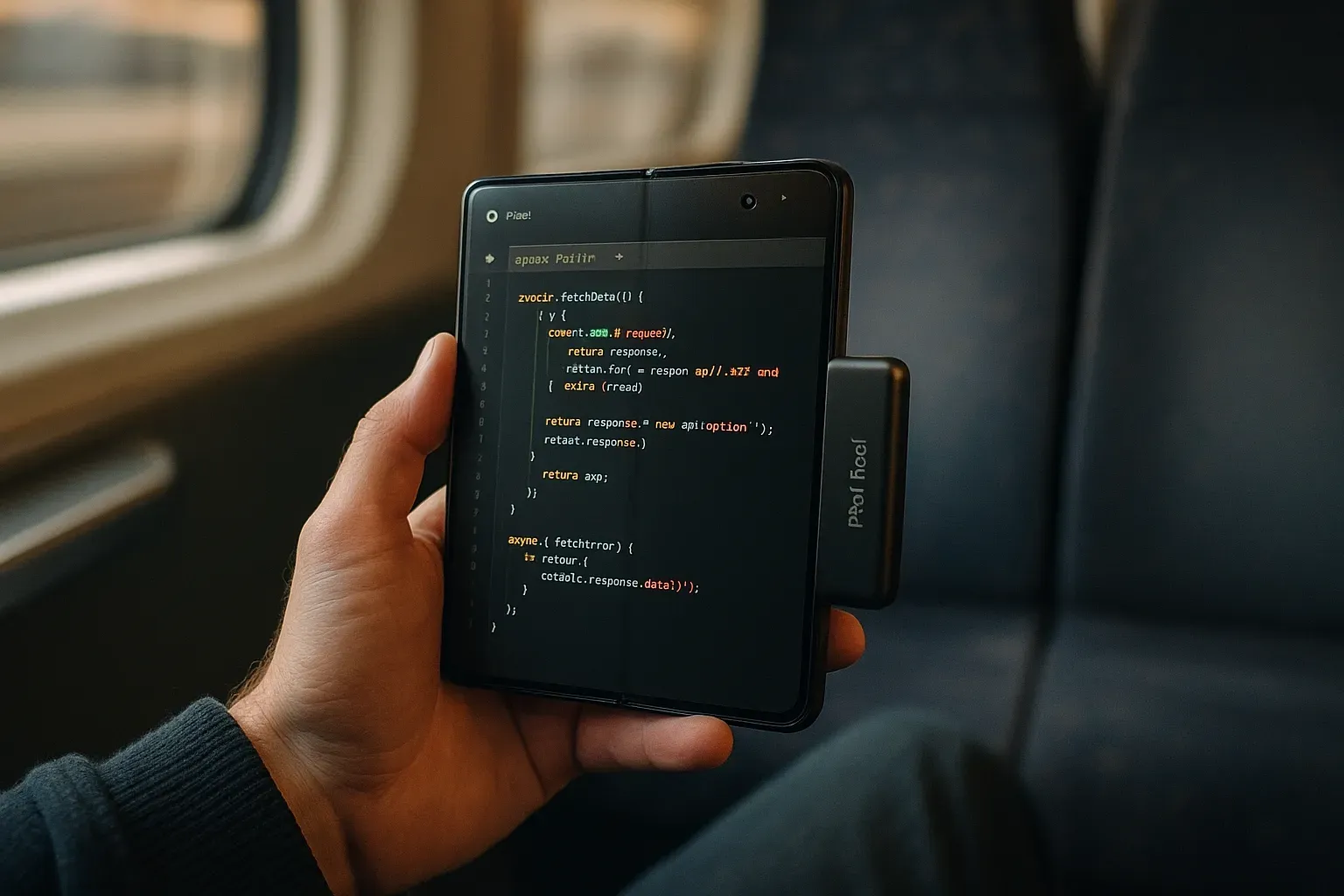
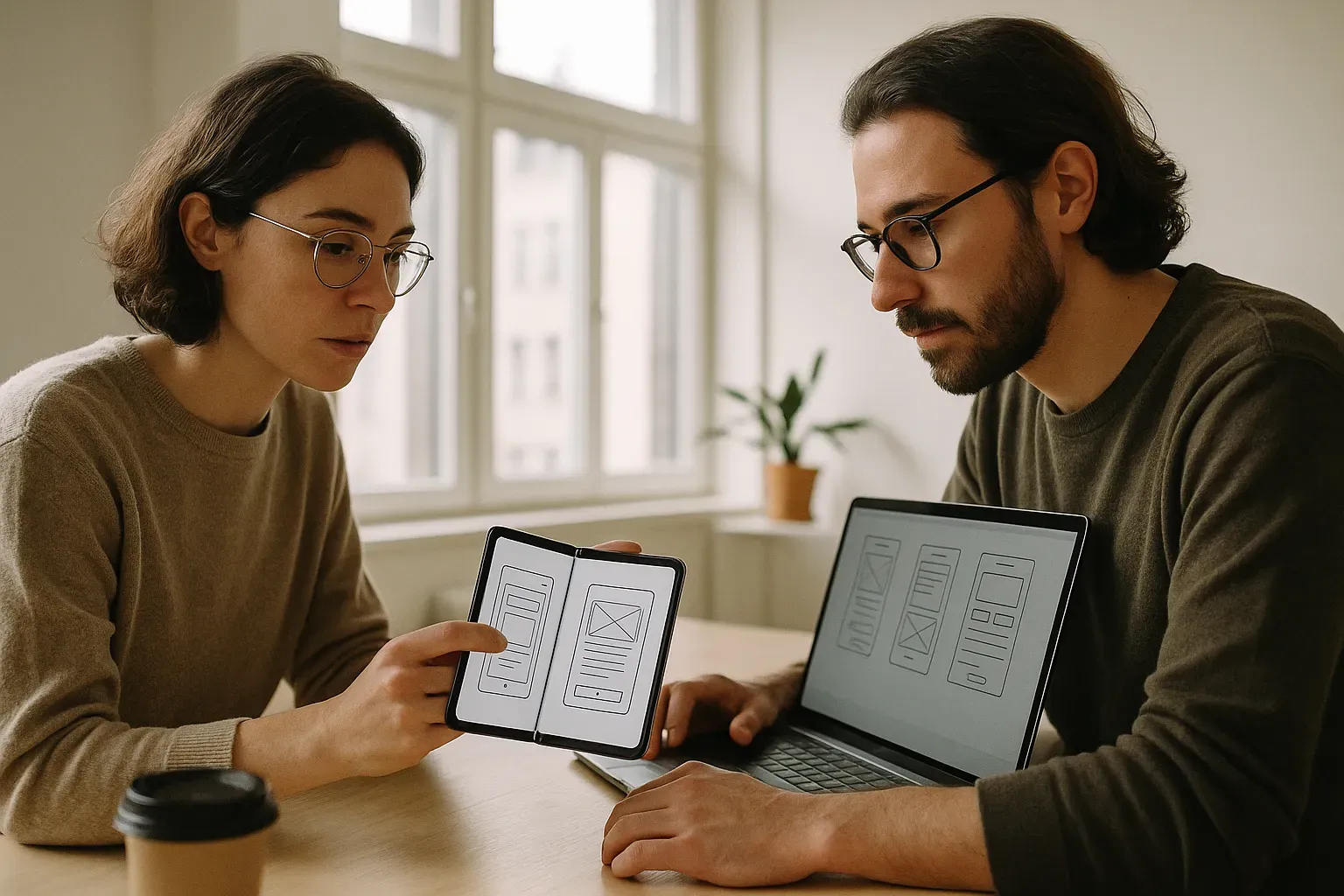
The Pixel 11 Pro Fold offers unique capabilities that set it apart from traditional smartphones. The dual displays can work independently or as a single large screen, providing an expansive canvas for app developers. This flexibility offers opportunities to design experiences that are more immersive and functional.
Understanding the hardware's hinge technology and aspect ratios is crucial. Developers need to craft apps that can flow seamlessly from one screen to another. This calls for attention to screen continuity and interaction patterns that differ significantly from single-display devices.
Key Design Challenges for Foldable Devices
Designing for foldable devices presents unique challenges distinct from those in traditional app development. The changing form factor demands consideration of how the interface scales and adapts to different screen states. Developers must ensure a fluid transition between folded and unfolded modes to maintain a consistent user experience.
User expectations are higher when engaging with such devices. Users anticipate responsive designs that work seamlessly in any configuration. Achieving this requires innovative approaches to layout, navigation, and interaction to cater to multi-mode operation.
- Screen transitions: Creating smooth changes between different display states.
- Aspect ratio variability: Designing UI to adapt to various screen ratios.
- Multi-display usage: Supporting interactions across separate screens.
Screen Continuity and Multi-Window Support
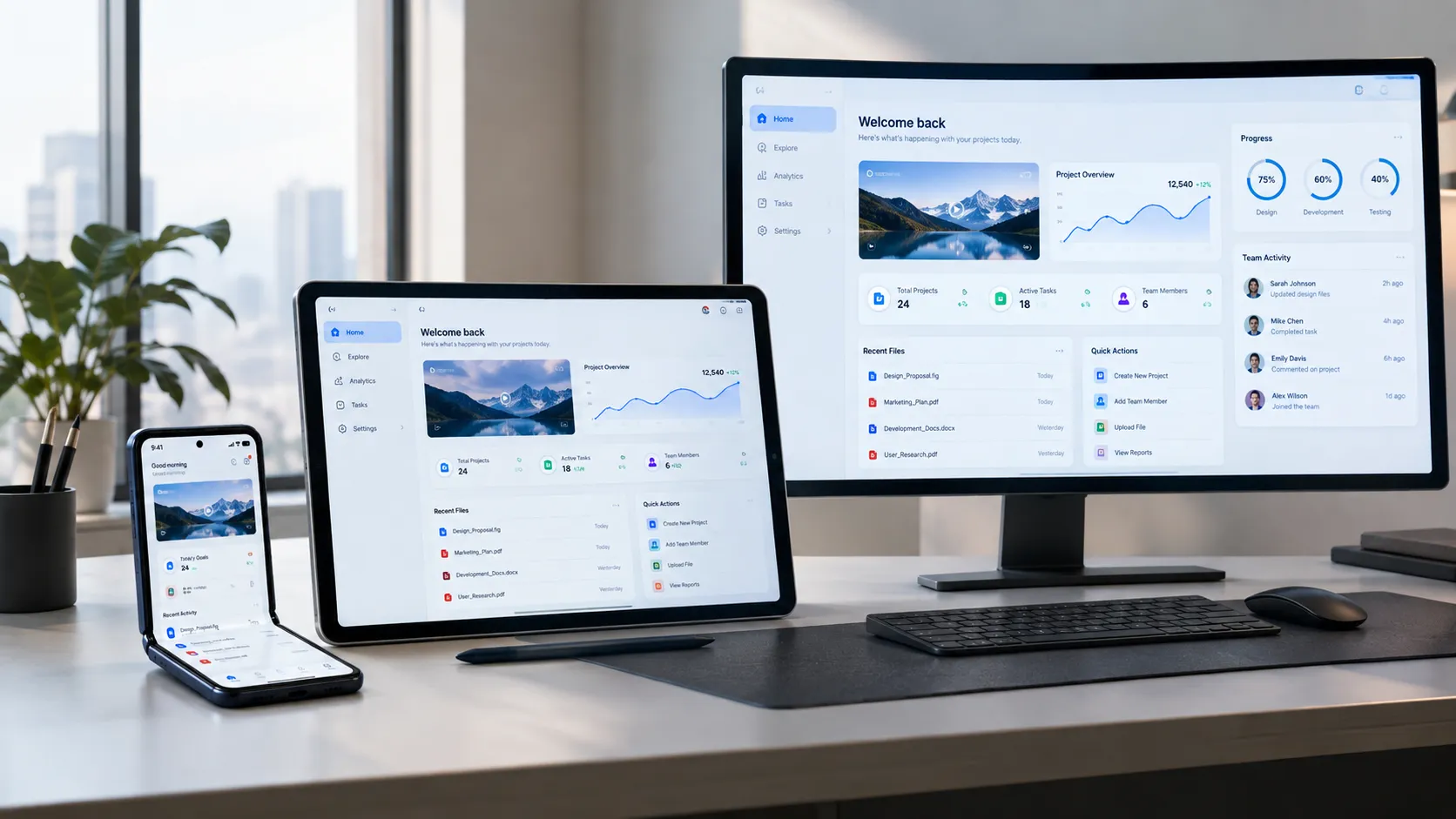
Screen continuity is about preserving a seamless user experience as the device transitions between folded and unfolded states. An app needs to recognize these changes and adapt its layout accordingly. This ensures that interactions remain intuitive and smooth.
Multi-window support is another critical function. Users expect to multitask effectively, and apps should be designed to facilitate this. By enabling intuitive drag-and-drop, resizable windows, and support for simultaneous app views, developers enhance user productivity significantly.
- Dynamic layout adjustments: Adapt UI based on screen changes.
- Split-screen optimization: Design for dual or multiple app windows.
- Drag-and-drop functionality: Facilitate easy content movement between apps.
User Interface Considerations for Foldables
For foldables, user interfaces must be adaptive and responsive to every display mode. This requires rethinking button placements, font sizes, and interactive elements. The navigation bar, for instance, might need repositioning to suit both folded and unfolded configurations.
Visual hierarchy should guide users effortlessly through the app, regardless of screen mode. Utilizing scalable vector graphics can ensure that graphics maintain quality across different screen sizes, improving both aesthetics and usability.
- Responsive design elements: Adjust buttons, fonts, and navigation for all modes.
- Scalable graphics: Use SVGs for consistent visual quality.
- Flexible navigation: Update navigation to adapt to screen configurations.
Optimizing Performance for Foldables
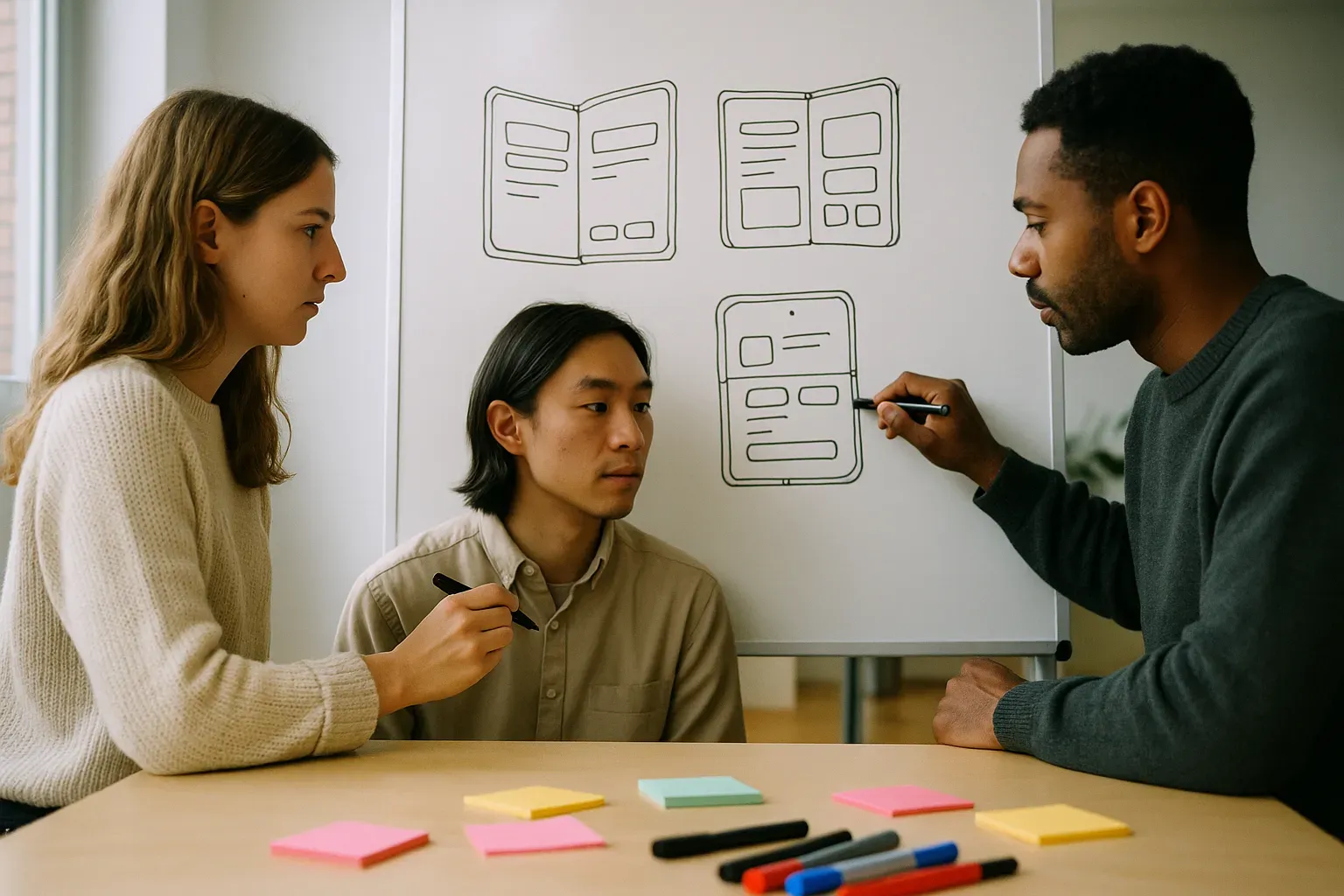
Foldable devices require more processing power to manage expansive displays. Developers must ensure their apps are optimized to deliver smooth performance. This involves efficient handling of resources, like CPU and memory, to support complex interactions without lags.
Using profiler tools can assist in identifying bottlenecks in your app's performance. These tools help developers manage layout hierarchies, background processes, and network requests efficiently. Prioritizing these aspects ensures your app remains responsive on a device like the Pixel 11 Pro Fold.
Battery Efficiency on Advanced Hardware
Advanced hardware in foldable devices offers new functionalities but can also strain battery life. Efficient battery management becomes critical, requiring developers to optimize background activity and reduce unnecessary power consumption. This balance can significantly impact the user experience.
Strategies such as using a less resource-intensive background task scheduling and opting for more efficient data syncing mechanisms can conserve power. Aligning app functions with the device's battery-saving modes and using low-power graphics helps extend battery longevity without compromising performance.
Integrating Gesture Navigation
Gesture navigation has become a staple of modern devices, including foldables. Success in integrating gesture-based interactions rests on understanding user behavior patterns and ensuring that gestures remain intuitive across different app states. This can enhance user engagement and deliver a polished experience.
Designers need a comprehensive strategy to enable gesture support. This includes considering the device's folded and unfolded state, where gestures might behave differently. Testing on real devices is crucial to ensure that the gesture implementation feels natural and enhances user satisfaction.
| Gesture Type | Implementation Tip | Consideration |
|---|---|---|
| Swipe | Smooth motions | Screen edge sensitivity |
| Pinch | Responsive scaling | Consistent zoom levels |
| Tap | Quick feedback | Accessibility options |
Testing Across Different Fold States
Testing your app across various fold states is crucial for a seamless experience. The Pixel 11 Pro Fold, like other foldable devices, can switch between fully open, partially folded, and fully closed states. Each state offers different screen real estates and user interactions, requiring rigorous testing to ensure your app runs smoothly in each configuration.
Use tools like Android Studio's foldable emulator to test your app on different states. This helps you identify and rectify layout shifts, UI bugs, or performance issues specific to foldable configurations. Testing ensures your app performs optimally, enhancing user satisfaction and engagement across all modes.
Accessibility Features for Foldables
While foldable devices like the Pixel 11 Pro Fold offer unique interactions, accessibility remains a priority. Ensuring your app is usable by people with disabilities can expand your audience. Implement features like voice control, screen reader compatibility, and adjustable text sizes to make your app inclusive.
Google's Accessibility Scanner can help identify potential areas for improvement. It's not just about compliance; enhancing accessibility improves usability for all users, fostering better engagement and loyalty. Ensuring your app meets all users' needs should be an integral part of your development process.
Consistency with Material Design 3
Adhering to Google's Material Design 3 ensures consistency with the broader Android platform. Material Design 3 offers updated guidelines for foldable screens, focusing on adaptability and intuitive navigation. Align your app's design with these principles to offer a more cohesive user experience.
Review your app components to ensure they match the updated Material Design 3 aesthetics. This includes typography, color schemes, and iconography. Consistency in design helps with user expectations and app usability, critical on devices like the Pixel 11 Pro Fold.
- Typography: Utilize dynamic type styles for readability.
- Color: Leverage adaptive color themes for uniformity.
- Navigation: Implement gestures that comply with Material standards.
Preparing for App Store Submission
Submitting your app to the Google Play Store involves several critical steps. First, review Google's policies and guidelines to ensure compliance. Prepare high-quality screenshots and promotional materials that highlight your app's unique features on foldable devices.
Ensure your app's metadata, including descriptions and keywords, is optimized for visibility. Testing your app for bugs and performance issues before submission is vital to avoid rejections. A smooth submission process ensures your app can reach users without unnecessary delays.
Budgeting Your App Development
Developing for the Pixel 11 Pro Fold can introduce additional costs compared to standard mobile app development. These may include specialized design, testing for foldable states, and additional performance optimization. Understanding these costs upfront can help manage your budget more effectively.
Typical US agency rates for a five-screen MVP run $15k to $40k. Larger or more complex apps, especially those with foldable-specific features, can exceed this range. Allocating funds for each development stage helps ensure a smoother process and successful launch.
| Stage | Cost Range | Notes |
|---|---|---|
| Design | $5k - $10k | Includes foldable-specific UI/UX. |
| Development | $8k - $20k | Core build and cross-platform code. |
| Testing | $2k - $5k | Multiple fold states testing. |
| Marketing | $3k - $8k | Launch and promotion materials. |
How Brandrums Can Help
Brandrums offers a comprehensive suite of services to support your app development for foldable devices. Our App Design and Development services ensure that your product is tailored specifically for the Pixel 11 Pro Fold's unique capabilities. We handle everything from UI/UX design to performance testing across various fold states.
Explore our Cross Platform App Development for a unified experience across Android and iOS. By leveraging our expertise, you can focus on strategy while we take care of the technical intricacies. Our experience in creating high-quality, innovative solutions will ensure your app stands out.
Final Checklist Before Launch
Before launching your app, ensure all final checks are complete. This includes thorough testing, both manual and automated, to catch any lingering bugs. Verify that all accessibility features are working and that your app aligns with Material Design 3 for a consistent user experience.
Review your app's marketing materials and metadata to ensure they are optimized for the Google Play Store. Make sure your app is secure, reliable, and fast. This final checklist will help ensure a successful launch and positive user reception.
Testing: Complete last-minute manual and automated tests.
Accessibility: Ensure all features function for all users.
Design: Confirm alignment with Material Design 3.
Marketing: Optimize app metadata and promotional materials.
Security: Conduct a final security audit.
Frequently Asked Questions
Do I need a separate app version for the Pixel 11 Pro Fold?
No, you don't need a separate version, but optimizations are crucial. Adapting your app to foldable features like screen continuity and multi-window support will enhance user experience. Use responsive layouts and test thoroughly on the device to ensure functionality.
How can I budget for developing an app on foldable devices?
Consider additional costs for design and testing. Foldable app development may require 20-30% more budget due to the need for unique layouts and ensuring compatibility across different fold states. Allocate extra for real-device testing to catch issues early.
Is it worth the investment to optimize for foldable devices?
Yes, optimizing for foldables is strategic. As more users adopt foldable technology, offering a superior experience can set you apart. Focus on features like multi-tasking and adaptability to build user loyalty and capture market share early on.
What tools are useful for testing apps on foldable devices?
Use emulators and real-device testing. Android Studio's emulator supports foldable testing, but nothing beats testing on a real Pixel 11 Pro Fold. This helps identify issues you might miss with emulators alone. Consider services that provide physical device access if you don’t own one.
Can existing apps work on foldables without modification?
They might run, but won't offer an optimal experience. Without modifications, apps may face issues like UI distortions or interrupted user experiences when folding the device. Prioritize updates to ensure your app leverages the foldable features effectively.
How do foldable devices impact app performance requirements?
Foldables can demand more performance, especially for multi-window support. Optimize rendering and resource management to avoid lag. Using tools like Android Profiler can help track performance metrics and ensure your app runs smoothly on advanced hardware.
Tags
About the Author

Daniel Brooks
Daniel covers web development, artificial intelligence, product design, and the technology decisions that help modern businesses grow.