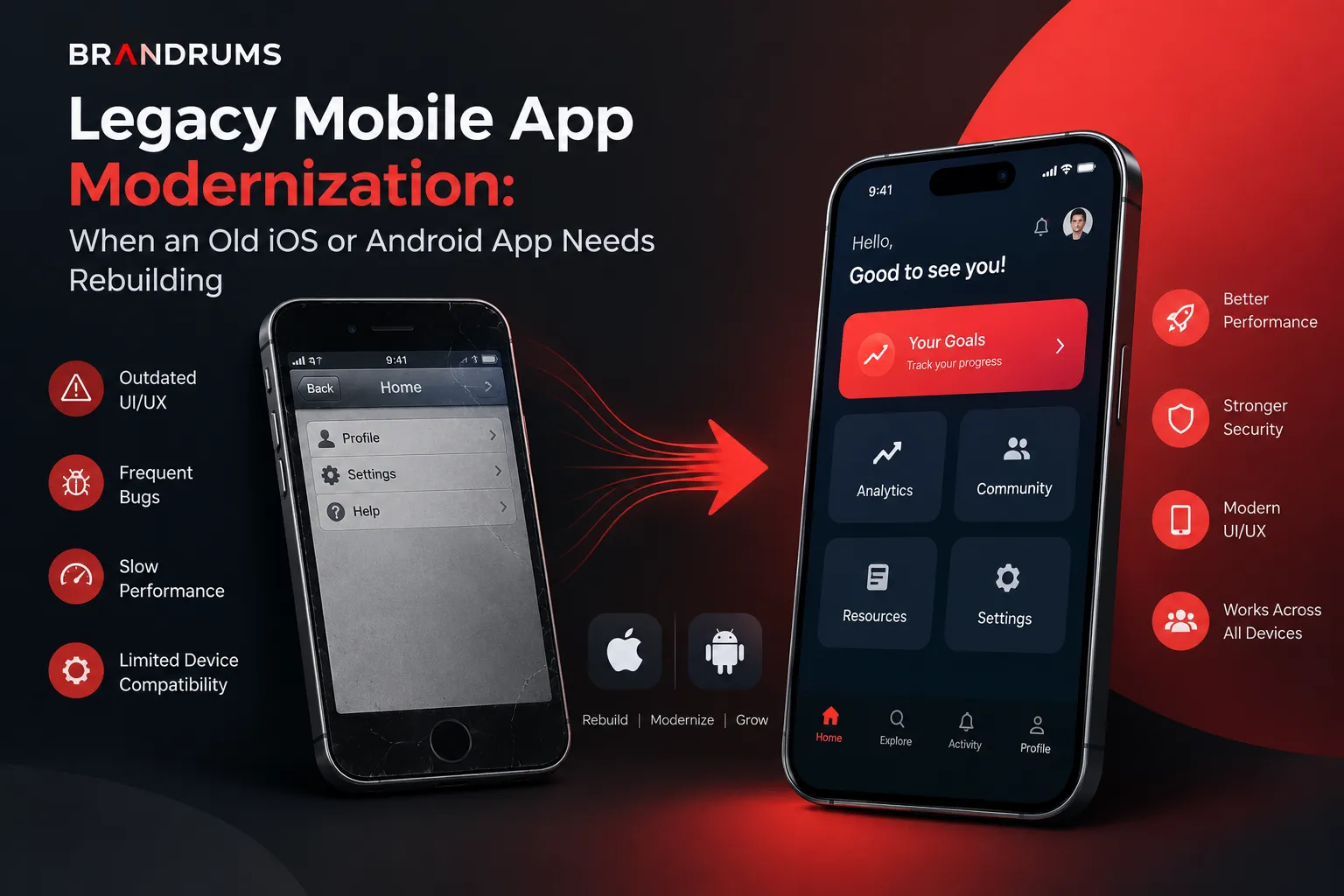
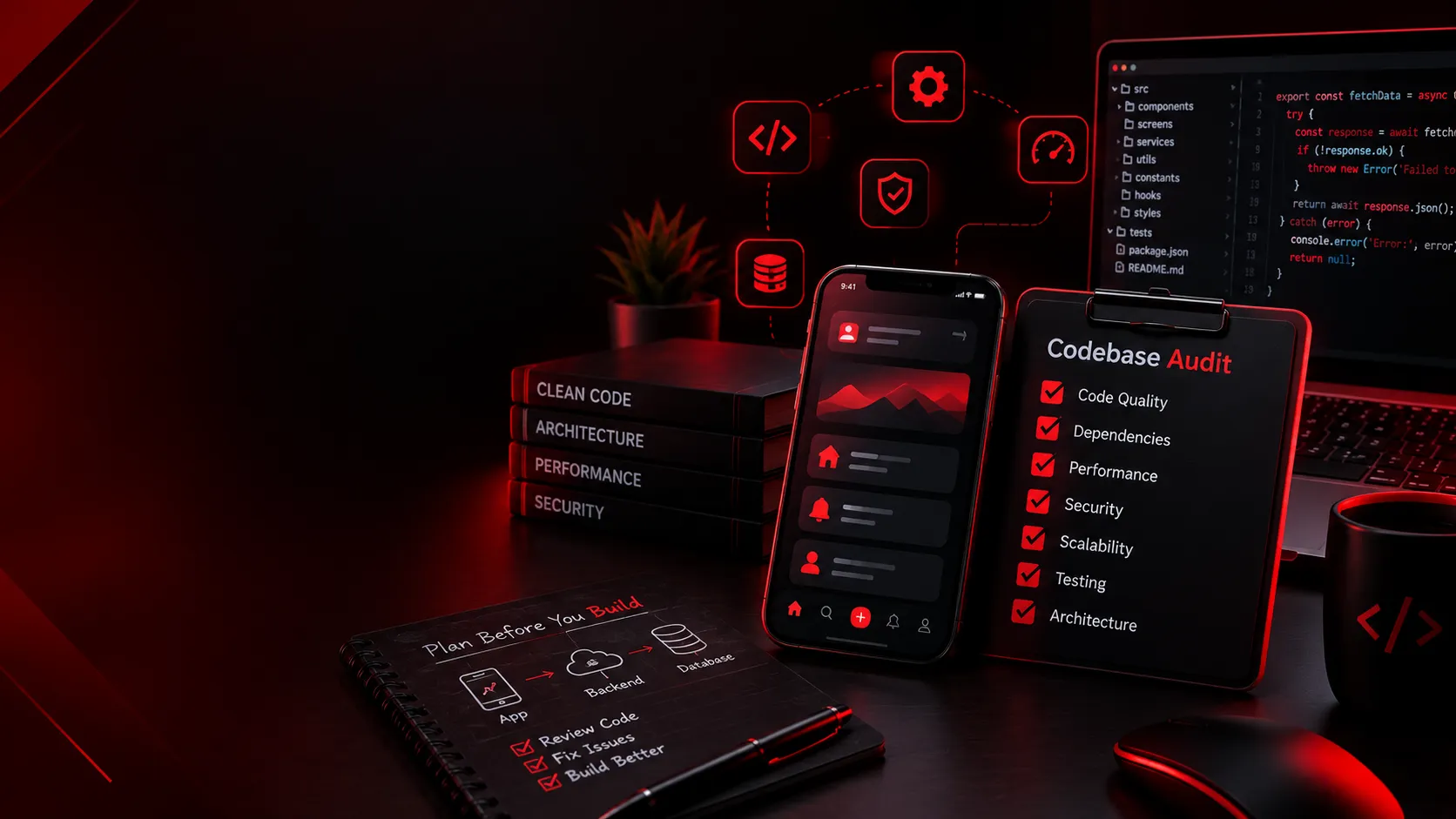
Auditing your mobile app codebase is more than a maintenance task; it's a strategic move to ensure that your app remains robust and future-proof. Whether you're planning to add a new feature or simply optimizing current ones, a thorough audit helps you catch potential issues before they become costly problems. This process safeguards against performance hiccups, security threats, and compatibility woes.
Without a proper codebase audit, you risk integrating features that could destabilize your app. Consider an audit as a health check for your app, a necessary pause to assess its current state and prepare it for future expansions. It ensures that what you build next fits seamlessly with what's already there, enhancing user experience and supporting your business goals.

Why Audit Your Mobile App Codebase?
Auditing your mobile app codebase is crucial for maintaining a high-quality digital product. It ensures that the app's foundation is strong enough to support additional features without causing performance degradation or security vulnerabilities. This preventive measure can save your team from costly revisions later on by identifying potential issues before they arise.
For companies aiming to improve user satisfaction and retention, a code audit is an excellent opportunity to streamline code, enhance load times, and verify the robustness of the app's security layers. By optimizing the existing setup, you can guarantee a smoother onboarding of new features, ultimately boosting user experience and business outcomes.
Identifying Key Components for Review

To conduct a successful audit, begin by identifying key components like APIs, database interactions, and user interfaces. These parts of the codebase are crucial as they interact directly with user inputs and external services. Ensure APIs are optimized and verify that database queries execute efficiently to avoid lag and downtime.
Additionally, focus on reviewing integration points where new features will connect with existing components. These points are often prone to errors and inconsistencies, resulting in unexpected app behavior. Addressing these prior to implementation can alleviate potential integration issues.
Performance Metrics to Evaluate
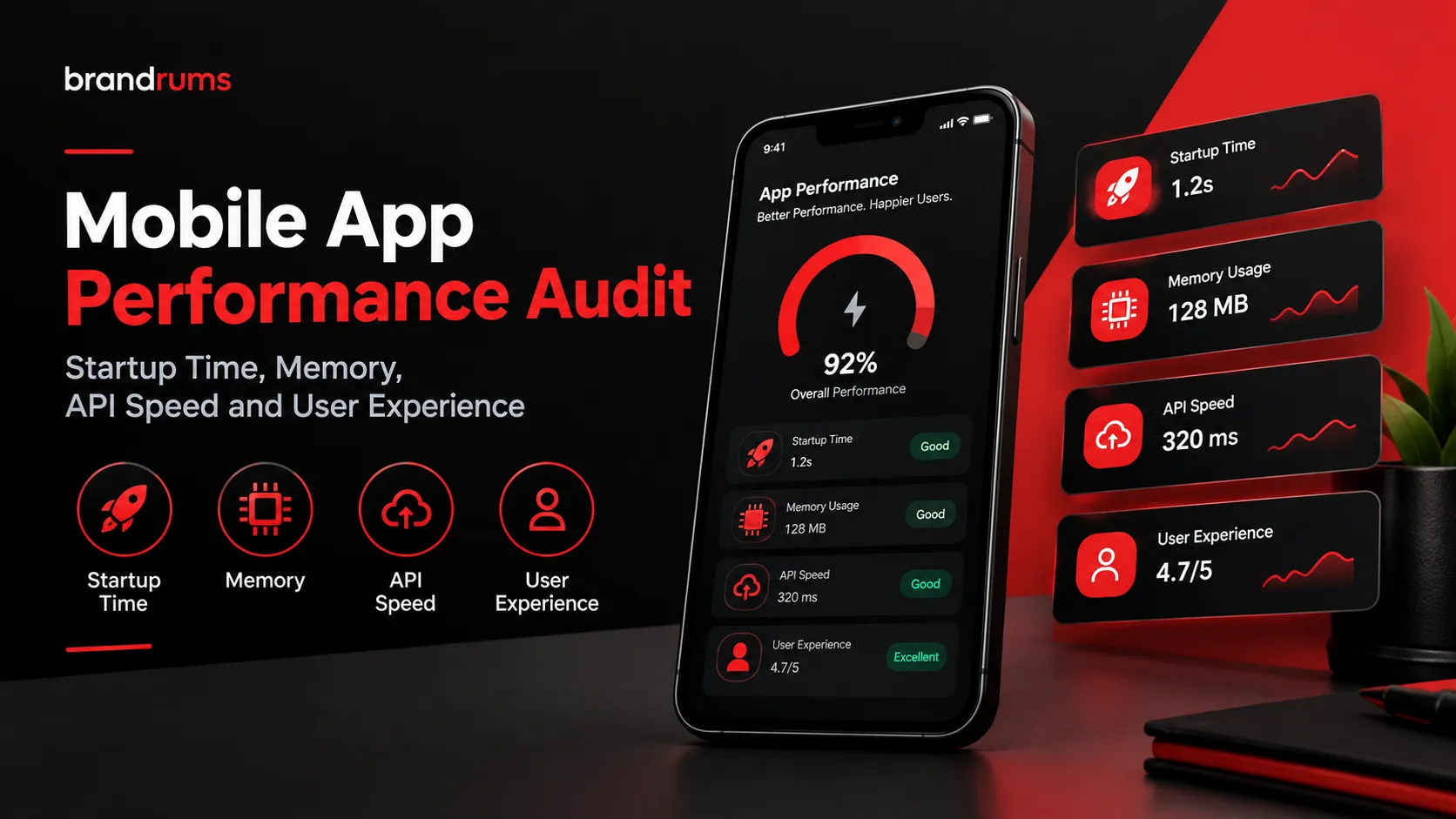
Key performance metrics should be at the forefront of any codebase audit. Assess aspects like load time, responsiveness, and user-side latency. Tools such as Firebase Performance Monitoring or New Relic can provide invaluable insights into these metrics, helping you understand where improvements are needed.
Regularly monitoring these metrics allows you to identify performance bottlenecks. For instance, slow image loading or delayed API responses could frustrate users, leading to high churn rates. Prioritizing these during an audit ensures that your app delivers an optimal experience.
- Load Time: How quickly the app initializes.
- Responsiveness: The time taken for user input handling.
- User-side Latency: Delays experienced by the end-user.
Security Vulnerabilities: What to Look For
Security is critical for protecting user data and maintaining trust. During a codebase audit, look for vulnerabilities like hard-coded secrets, unvalidated inputs, and outdated libraries. Addressing these issues is essential to safeguarding against attacks that can compromise your app.
Implement security best practices such as encryption, secure authentication protocols, and regular penetration testing. Utilizing tools like OWASP ZAP can assist in identifying security lapses that might otherwise go unnoticed.
Hard-coded Secrets: Ensure sensitive information isn't stored in the code.
Unvalidated Inputs: Check for input sanitization to prevent injections.
Outdated Libraries: Keep dependencies updated to reduce vulnerabilities.
Compatibility Issues with New Features
Compatibility issues can derail new feature integration. Before deploying, verify that the existing codebase is compatible with proposed features. This involves checking for dependencies on third-party libraries and ensuring they support the latest app version.
Testing on different devices and operating systems is essential. Tools like TestFlight or Firebase Test Lab can simulate various environments to identify compatibility issues that might not be evident in development. Addressing these ensures a smooth rollout.
Scalability Checks for Future Growth
Scalability is fundamental for long-term success, especially if you expect user growth. During the audit, evaluate whether your current infrastructure can scale with increasing demand. Cloud services like AWS or Azure offer scalable solutions that can adapt as your user base expands.
Consider the database's capacity to handle more transactions and any needed optimizations. Look into caching mechanisms and load balancing to distribute traffic efficiently. These adjustments can prevent future performance bottlenecks as the app grows.
By planning for scalability during your audit, you're saving time and resources that would otherwise be spent on emergency fixes. This proactive approach ensures that your app maintains excellent performance no matter the number of active users.
Managing Technical Debt
Technical debt accumulates when quick fixes are prioritized over long-term solutions. It's essential to manage this debt during an audit, as it can hinder progress and inflate costs. Assess older parts of the codebase that may need refactoring or re-engineering.
Evaluating technical debt involves reviewing past code decisions. Identify and document areas that need improvement, and prioritize efforts based on potential impact and risk. This systematic approach helps maintain code quality and prepares the codebase for new feature development.
Evaluate Code Quality: Identify parts needing improvement.
Refactor Legacy Code: Update older structures for efficiency.
Documenting Issues: Record current problems and solutions.
Documentation: The Unsung Hero
Proper documentation is often overlooked but is crucial to maintaining a healthy codebase. It's not just about having files on record; it's about creating a shared understanding of the code's structure, logic, and dependencies. Documentation helps bring new developers up to speed quickly and mitigates the risk of miscommunication. Without it, misunderstanding and errors are more likely.
When auditing, well-maintained documentation guides you in identifying sections of the codebase that require attention. It acts as both a reference point and a roadmap. Ensure that it includes architecture diagrams, API contracts, and code comments. This detail orientation can save hours of reverse engineering down the line, making the addition of new features a smoother process.
Automated Testing and Continuous Integration
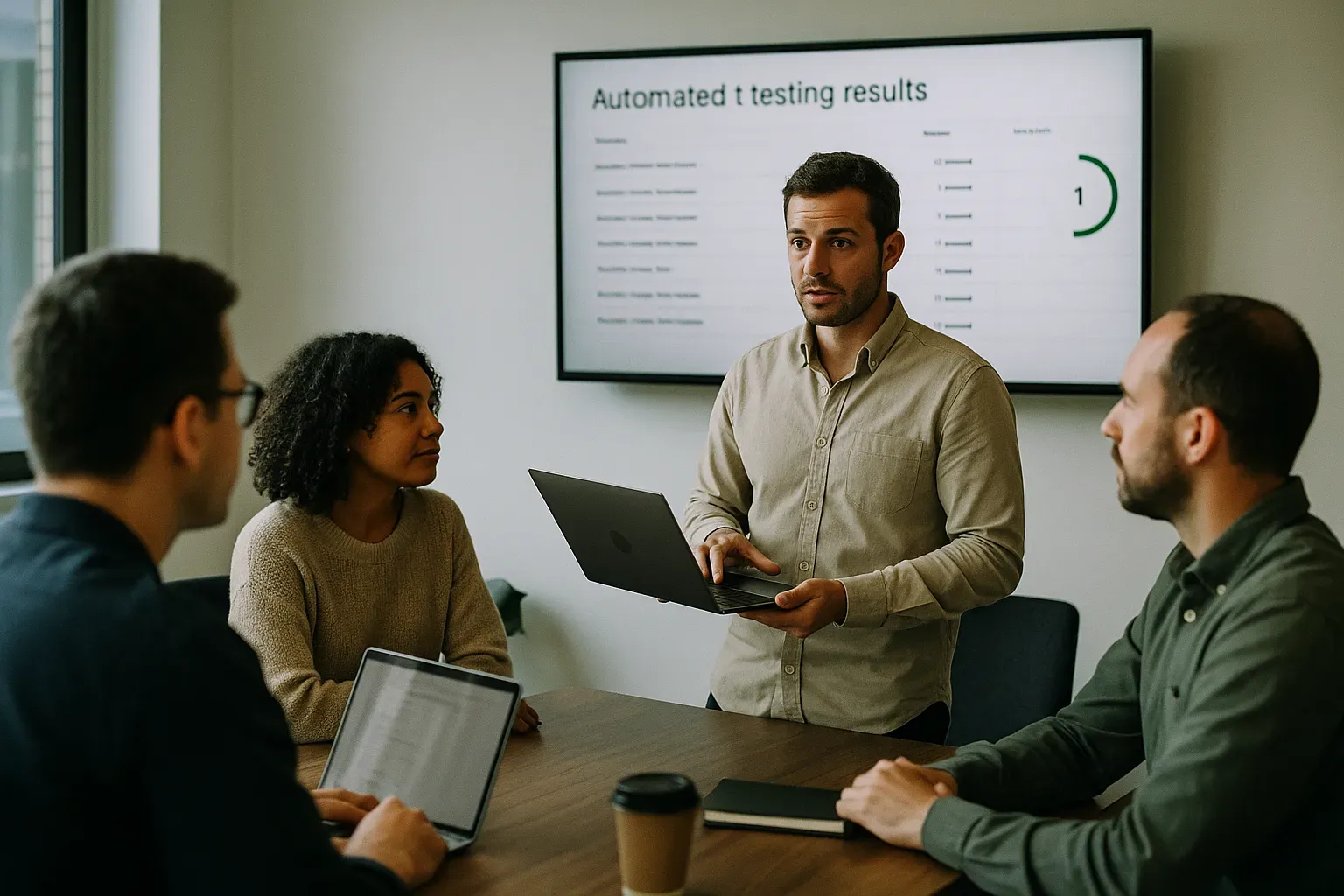
Automated testing and CI systems are essential for any serious codebase audit. They can drastically improve the quality of the code by identifying issues early. Tools like Jenkins or CircleCI integrate automated tests that continuously check code quality. This ensures that the integration of new features doesn't introduce bugs or performance issues.
CI allows for frequent merges into a shared repository, reducing integration issues later. Automated testing frameworks such as Jest for React Native or XCTest for iOS ensure that new changes are assessed against a suite of tests. Having these tools in place helps maintain performance and stability, making them indispensable in an audit context.
The benefits are clear: reduced time for manual testing, quicker bug identification, and a more reliable codebase. Automation, when done right, acts as a continuous safety net, flagging issues before they escalate. This proactive approach fits seamlessly with the overarching goal of any codebase audit: maintaining quality while enabling change.
Setting Up a Comprehensive Audit Plan
Creating an effective audit plan is essential for a thorough evaluation of your mobile app. Start by identifying the key components of your app that align with business priorities. Define objectives for each component audit, ensuring they are measurable and achievable. Involving stakeholders in setting these goals can provide additional insights and improve focus.
Once objectives are clear, prioritize tasks based on the potential impact. This might include performance optimization, security enhancements, or scalability checks. Break down the audit process into smaller phases, each with clear deliverables and timelines. This structured approach helps in managing the audit efficiently and minimizes oversight.
Assessment: Evaluate current state and document findings
Planning: Define objectives, priorities, and resources
Execution: Conduct audits per plan, adjusting as needed
Review: Analyze outcomes and continuously improve
Common Tools for Codebase Audits
Selecting the right tools can make or break a codebase audit. Tools like SonarQube, ESLint, and CodeClimate provide insights into code quality and security vulnerabilities. Each tool serves different purposes and should be chosen based on specific needs. For instance, ESLint is excellent for catching syntax errors in JavaScript code, while SonarQube provides a broader overview of code quality.
Static code analysis tools help automate parts of the audit, ensuring consistent checks across the codebase. They can flag issues early, offering suggestions for improvement. The choice of tool depends on your tech stack, developer familiarity, and the specific areas you wish to audit. Mixing and matching these tools can provide comprehensive coverage.
| Tool | Primary Function | Best For |
|---|---|---|
| SonarQube | Code quality analysis | Full-stack projects |
| ESLint | JavaScript linting | JavaScript projects |
| CodeClimate | Maintainability checks | Continuous feedback |
| Jenkins | CI/CD | Automated testing and deployment |
Costs Associated with Codebase Audits
Understanding the financial commitment involved in a codebase audit is crucial for planning. Costs can vary dramatically depending on the scope and scale of the audit. For a small to medium-sized app, agency audit rates can range from $5,000 to $20,000. Larger enterprise projects may go beyond $50,000. The complexity of the app and the thoroughness required play critical roles in determining the cost.
Recurring costs may include tool subscriptions and continuous integration infrastructure. It's advisable to account for these in budgeting. According to Stack Overflow's 2023 developer survey, automated tools typically save over 20% of a developer's time, justifying their cost. Aligning audit investments with expected returns can rationalize these expenses.
| Audit Type | Estimated Cost | Considerations |
|---|---|---|
| Small app | $5K - $20K | Scope and tools required |
| Medium app | $20K - $50K | Team size and duration |
| Large app | $50K+ | Complexity and enterprise needs |
| Ongoing tools | $100 - $500/mo | Subscriptions and CI tools |
How Brandrums Conducts Codebase Audits
Brandrums takes a holistic view when conducting codebase audits. We customize each audit to match the client's specific needs. Our team first performs a detailed consultation to understand the business goals and technical challenges of the app. This helps us provide targeted insight and actionable recommendations to enhance code quality, performance, and security.
Our methodology includes both automated tools and manual reviews to ensure thorough coverage. We use a combination of industry-standard tools and customized scripts tailored for each project. Post-audit, we offer implementation support to help integrate the recommendations quickly and efficiently, ensuring no loss in momentum for your development team.
Initial Consultation: Understanding client needs and goals
Comprehensive Analysis: Automated and manual reviews
Post-Audit Support: Implementation guidance and check-ins
What to Do Next
Preparing for a codebase audit involves more than just technical readiness. Start by aligning your team on objectives and expectations. Make sure you have the right documentation, tools, and stakeholder buy-in. If the codebase is outdated or lacks proper testing, consider addressing these beforehand. Being proactive may streamline the audit and maximize its benefits.
Once prepared, reach out to a reliable partner to conduct a thorough audit. Keep an open line of communication with your stakeholders to ensure outcomes align with business goals. Consider scheduling regular follow-ups post-audit to track improvements and adapt to future needs. This systematic approach sets the stage for successful feature integration.
Frequently Asked Questions
How often should a mobile app codebase audit be conducted?
Conduct an audit at least once a year or when major updates are planned. Regular audits help catch potential issues early and keep the app running smoothly. If you're adding significant features, consider auditing before and after implementation.
Can I perform a codebase audit myself?
It’s possible, but hiring professionals like Brandrums is recommended. Experts bring experience, use advanced tools, and provide unbiased insights. If resources are tight, start with basic checks on performance and security using automated tools before seeking expert assistance.
How long does a typical audit take?
An audit typically takes one to four weeks, depending on the app’s complexity and size. Thoroughness is key to identifying all potential issues. Ensure you allocate enough time to address any findings without delaying feature rollouts.
What should I prioritize in a codebase audit?
Prioritize security vulnerabilities and performance metrics. These areas directly affect user experience and app reliability. Also, pay attention to compatibility with new platforms and scalability to support future growth.
Are there specific tools recommended for a mobile app codebase audit?
Yes, tools like SonarQube for code quality and OWASP for security are recommended. Automated testing with Jest or Mocha ensures your code remains functional. Choosing the right tools depends on your specific needs and technology stack.
Is a codebase audit worth the investment?
Yes, audits can prevent costly errors and enhance app performance. By identifying issues early, you reduce risks of downtime or security breaches. The upfront costs are justified by the long-term savings in maintenance and improved user satisfaction.
Tags
About the Author

Daniel Brooks
Daniel covers web development, artificial intelligence, product design, and the technology decisions that help modern businesses grow.