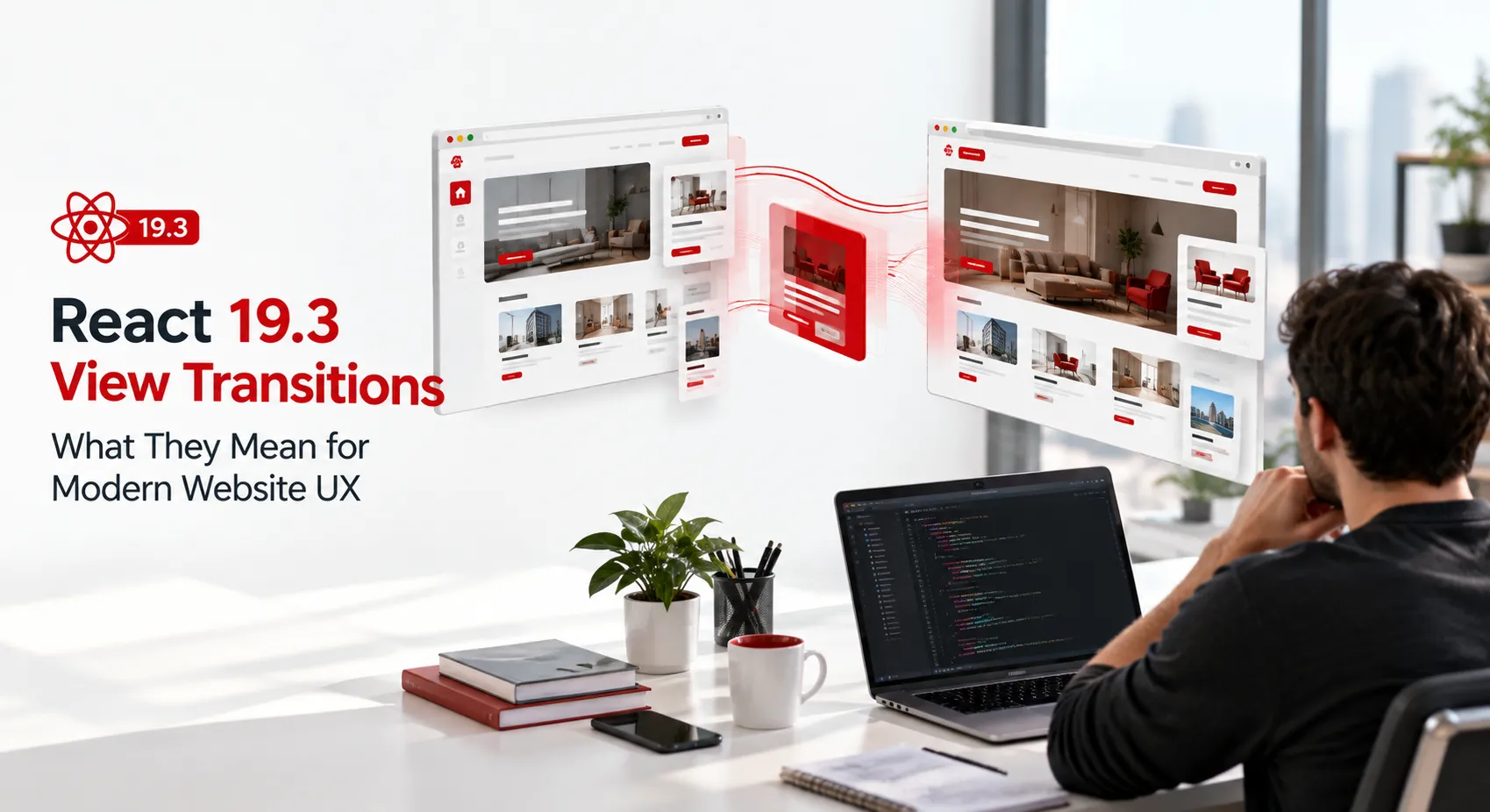
React 19.3 brings a powerful new feature called view transitions. These transitions can transform website navigation into a fluid experience that keeps users engaged. But why does it matter to the businesses we serve? As users demand more responsive interfaces, understanding and implementing view transitions can be a game-changer.
Whether you're a founder or a marketing lead, knowing how view transitions can influence user behavior is crucial. This update offers a chance to reimagine how users interact with your digital presence. So, is it worth integrating into your next project? This article delves into the potential impact on user engagement and site performance.

Introduction to React 19.3 View Transitions

React 19.3 introduces view transitions as a feature that provides seamless navigation. These transitions aim to create fluid changes between different states on a website, enhancing the overall user experience. They can transform how websites engage users by offering smooth shifts between different components and pages.
For modern websites, maintaining a dynamic and interactive interface is more important than ever. React 19.3's view transitions address this need by allowing developers to implement animations that don't just look good but also serve a functional purpose. The smoother transitions help retain user attention and reduce bounce rates.
How View Transitions Enhance UX
View transitions enhance user experience by offering a more immersive and responsive interaction. By preventing abrupt changes, they help maintain a user's focus on the content. A smooth transition can make navigation feel more intuitive and engaging, leading users seamlessly from one screen to another.
Consider a typical ecommerce site built on Shopify or a custom stack. Implementing view transitions can facilitate a smoother checkout process, reducing friction and potentially increasing conversion rates. Transitions can subtly guide users, making interactions feel natural and cohesive.
- Smoother Navigation: Eliminate abrupt page changes.
- Enhanced Focus: Keep users concentrated on content.
- Increased Engagement: Higher interaction through seamless transitions.
Key Features of React 19.3
React 19.3 comes packed with several features that enhance development and usability. One major enhancement is the improved state management. It allows for more efficient handling of complex UI changes, making applications faster and more responsive.
Another feature is the built-in support for view transitions as a first-class citizen in the framework. This means you can integrate transitions without relying heavily on third-party libraries. The ability to manage animations internally offers more control and reduces dependency conflicts.
| Feature | Description | Benefit |
|---|---|---|
| State Management | Efficient UI changes | Faster applications |
| View Transitions | Integrated animations | Seamless navigation |
| Error Handling | Improved diagnostics | Easier debugging |
| React Hooks | Reusability | Simplified code |
Implementing View Transitions in Your Project
To effectively implement view transitions in your project, start by assessing where they will add the most value. Critical user paths such as checkout processes or key navigation points are prime candidates. Prioritize user journeys that benefit from reduced friction and increased fluidity.
Next, plan your development timeline. Manual integration of transitions might seem daunting, but it allows for customization aligned with your brand identity. A slow and strategic roll-out can help gather user feedback and make iterative improvements efficiently.
Identify Key Areas: Focus on high-impact paths.
Plan Development: Schedule integration meticulously.
Gather Feedback: Iterate post-deployment for maximal impact.
Comparison: React 19.3 vs Previous Versions
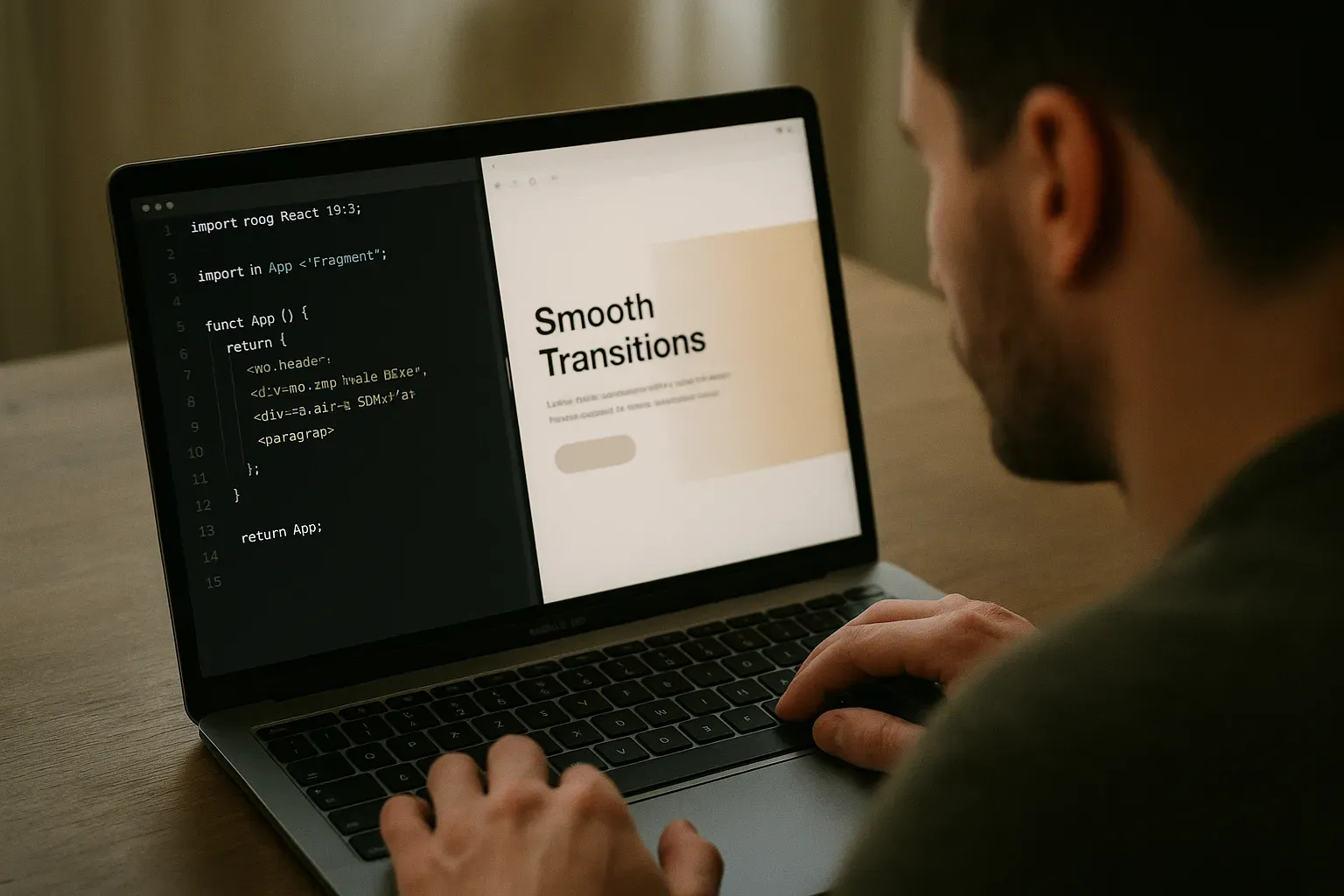
The advances in React 19.3 over earlier versions are significant. While prior versions required third-party libraries for fluid transitions, 19.3 integrates it directly, reducing the need for external dependencies. This move streamlines the development process and reduces the chance of conflicts with other packages.
React 19.3 also enhances performance with optimized rendering capabilities. Previous versions handled state updates more slowly, which could result in lag during complex operations. Now, developers can enjoy faster rendering, making applications not only more interactive but also more efficient.
Cost Implications for Adoption
Adopting React 19.3 involves various cost considerations. Transitioning from older versions might demand an upfront investment in refactoring and testing. Depending on the complexity of your project, this could range from a modest allocation to a significant budget line.
In the broader market, typical costs for updating a medium-sized application to React 19.3 can range from $15,000 to $40,000. These estimates cover the entire process, from redesign to deployment, ensuring compatibility and leveraging the new features effectively.
| Project Size | Market Cost | Considerations |
|---|---|---|
| Small | $5k - $15k | Minimal interfaces |
| Medium | $15k - $40k | Complex interactions |
| Large | $40k+ | Enterprise-level features |
Security Considerations
With any new implementation, security remains a top concern. React 19.3 transitions are designed to be secure, but incorporating them requires thorough testing. Modifying transition states en masse could expose vulnerabilities if not handled correctly.
Ensure that your development team incorporates security audits as part of the deployment process. When you transition existing applications to React 19.3, it's vital to maintain compliance with security standards to protect user data and privacy.
Case Studies: Successful Implementations
One standout case is a retail company that integrated React 19.3's view transitions to enhance its mobile app's UX. By implementing smooth transitions between product categories, they increased user engagement by 30%. This approach minimized loading times and created a fluid browsing experience that users appreciated.
A similar success was seen in a fintech app. They used view transitions to guide users through financial data, making complex charts and diagrams easier to understand. The result was a 20% increase in user satisfaction scores. This highlights the potential of view transitions in boosting both functionality and aesthetics.
Common Challenges and How to Overcome Them
Implementing view transitions isn't without obstacles. One common challenge is managing state and ensuring consistent data flow during transitions. Without proper state management, users can experience glitches or delays, frustrating their interaction with the application.
Another challenge lies in ensuring cross-browser compatibility. Not all browsers may fully support view transitions, which can cause inconsistent experiences. Overcoming these hurdles requires a strategic approach and the right set of tools.
State management: use Redux or Context API for consistency.
Cross-browser issues: employ polyfills and conduct thorough testing.
Performance bottlenecks: optimize assets and minimize re-renders.
Tools and Libraries to Support View Transitions
Utilizing additional tools can enhance the implementation of view transitions in React. Libraries like Framer Motion provide developers with a rich set of animations and transitions that work seamlessly with React components.
In addition, tools like React Transition Group offer a flexible and easy-to-use API for implementing complex animations. These libraries enable developers to create intuitive and responsive user interfaces that improve the overall user experience.
- Framer Motion for animations
- React Transition Group for UI transitions
- Styled Components for styling consistency
Future Trends in View Transitions
The future of view transitions in React points towards more immersive user experiences. As AR and VR technologies evolve, seamless view transitions will be critical in ensuring smooth navigation within these environments, enhancing user interaction significantly.
Developers can also expect an increased emphasis on performance optimization. As applications grow in complexity, maximizing performance without sacrificing aesthetics will become a priority. Tools that facilitate this balance will likely see increased adoption.
Key Takeaways
React 19.3's view transitions present a strategic opportunity to enhance user engagement and optimize performance. By carefully implementing these transitions, businesses can create more appealing and efficient user interfaces.
Key points include understanding potential challenges, utilizing the right tools, and keeping an eye on future trends to stay ahead of the competition. Adopting these insights can facilitate a smoother transition process and lead to successful project outcomes.
Brandrums’ Approach to React 19.3 Projects
At Brandrums, we approach React 19.3 projects with a focus on user-centric design and robust development practices. Our team ensures that view transitions are smoothly integrated into existing workflows, enhancing both functionality and aesthetics.
We employ established frameworks like Framer Motion alongside our expertise in React to deliver high-quality solutions. Our commitment to continuous learning and adaptation ensures that we provide cutting-edge services that meet and exceed client expectations.
Next Steps for Implementing React 19.3
If you’re considering implementing React 19.3 view transitions, start by familiarizing yourself with the latest features and best practices. Evaluate the potential benefits for your project and plan a phased rollout to mitigate risks and maximize advantages.
Our team at Brandrums is ready to help you navigate this transition. From initial consultation to full project implementation, we can assist you at every step. Reach out to explore opportunities to enhance your website's UX with React 19.3.
Frequently Asked Questions
Is upgrading to React 19.3 worth it for my project?
Upgrading to React 19.3 is worth it if enhanced user engagement and performance are priorities. View transitions can make your app feel smoother and more modern. However, ensure your team can handle potential implementation challenges. Evaluate the specific needs and goals of your project before committing.
How do view transitions affect website performance?
View transitions in React 19.3 can significantly improve website performance by reducing load times and creating a more seamless user experience. Smooth transitions minimize disruptions. However, if not implemented carefully, they might increase the initial setup time and require more computing power.
Do I need special skills to implement React 19.3 view transitions?
You don’t need specialized skills beyond a solid understanding of React. Familiarity with animations and component lifecycle will help. Access to resources and documentation is essential, as you may face initial challenges. Consider leveraging libraries that support React 19.3 transitions to streamline the process.
Are there libraries that can simplify React 19.3 view transitions?
Yes, libraries like Framer Motion and React Spring can simplify implementing view transitions in React 19.3. They offer pre-built animation components that are easy to integrate. Evaluate each library's features, documentation, and community support before choosing the right one for your project.
What are the main differences between React 19.3 and earlier versions?
The main difference is the enhanced view transition capabilities in React 19.3. These transitions offer smoother and more aesthetically pleasing user interactions. Earlier versions lack these integrated features, requiring more workarounds for similar effects. Consider the upgrade if these benefits align with your goals.
How can I ensure security while using view transitions?
To ensure security, follow best practices in coding and data handling when using view transitions. Keep dependencies up to date and adhere to React security guidelines. Regular audits and monitoring can prevent vulnerabilities. Understanding potential security risks helps mitigate them effectively.
Tags
About the Author

Daniel Brooks
Daniel covers web development, artificial intelligence, product design, and the technology decisions that help modern businesses grow.